
Everybody cares about their online safety and that is why I want to show you how to protect your Caflou account better, with two-step authentication (email & password + one time code).
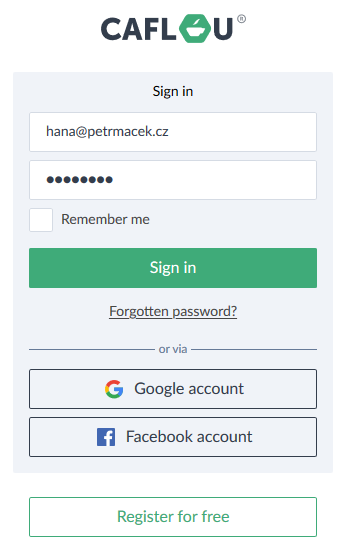
If you turn this feature on, you will still need your password to sign into Caflou:
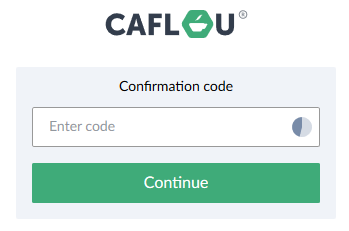
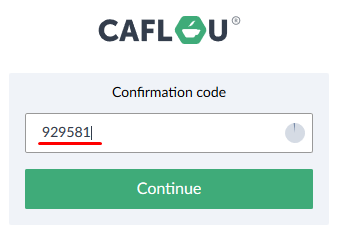
but also ONE-TIME ACCESS CODE displayed on your mobile device:
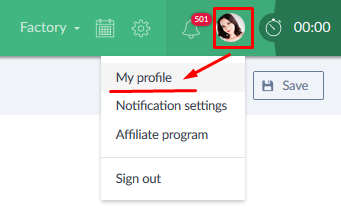
You can switch this safety feature on in your profile setting (Settings -> My profile):
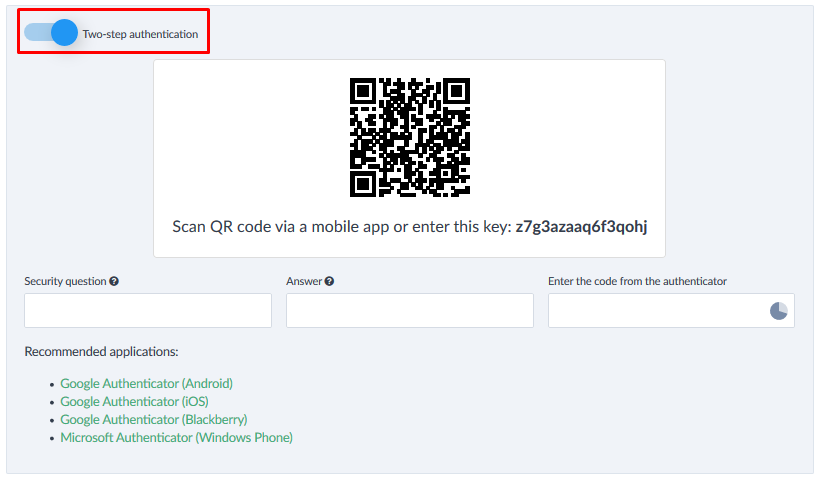
Then just switch to Two-step authentication and click "Save":
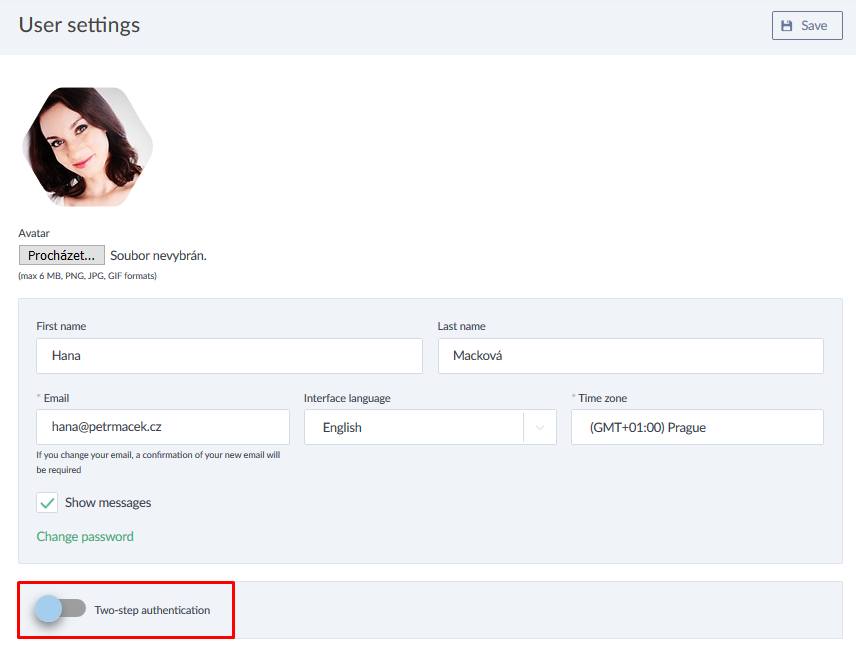
☝️ Be careful here - before you switch it on, you need to install an "authenticator" into your mobile device. These we recommend:
- Google Authenticator (Android)
- Google Authenticator (iOS)
- Google Authenticator (Blackberry)
- Microsoft Authenticator (Windows Phone)
Once you have installed the mobile app, scan QR code from your Caflou profile settings with the mobile app and you are ready:
Next time when you are signing into Caflou, get code from your authenticator and use it to sign in:
I believe you will like this enhancement and we will surely be glad for any feedback, comment or idea.